keynote
-

The issue: Sometimes, a college lecture or work presentation goes far over the allotted time (Figure 1). Frequently, the presenter doesn’t even realize that they are over time. One simple way to prevent a presentation from going over time would be to just have the power outlets turn off at exactly the designated end-of-presentation…
-

Background: When giving a presentation on a large screen, there are two popular options for calling attention to specific areas of a slide deck: Physically gesture at the screen (or use a laser pointer, as seen in Figure 1). Use the laptop trackpad to move the mouse pointer / arrow around. The issue: The trackpad…
-
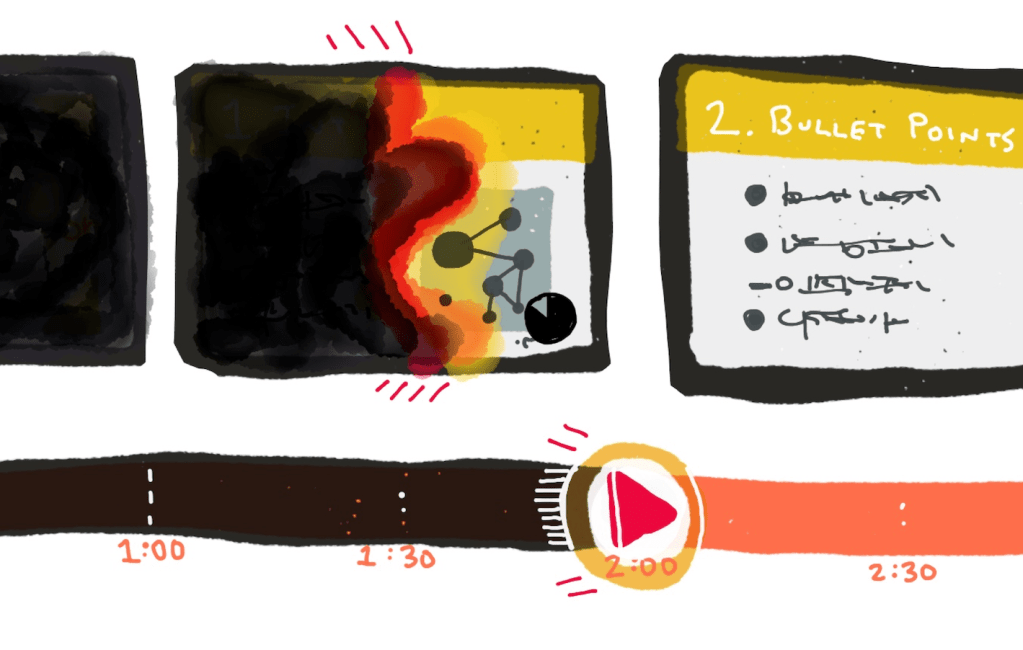
Background: Slide presentations are now a main ingredient in almost all lectures and presentations (Figure 1). The issue: Computers have made slide presentations extremely easy to make (example in Figure 2), but haven’t helped with one issue: presentations often go on FAR TOO LONG. For example, none of these ideas for promoting short presentations…
 WorstPlans: updated every Monday since July 2014!