
slide deck
-
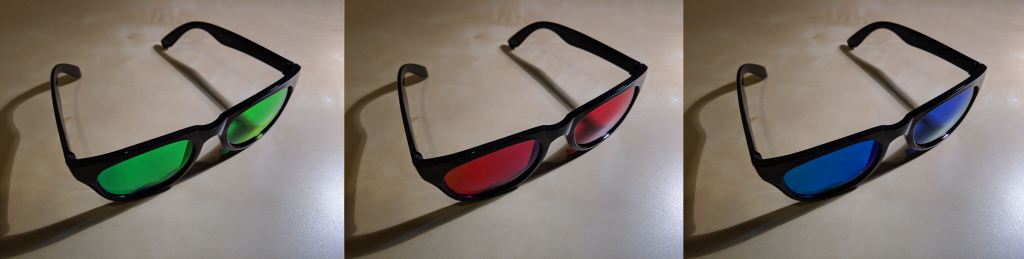
Background: When giving a presentation to a diverse audience (e.g. of experts and non-experts, or of employees from two different departments in a company), you have a problem: you can only make one set of slides, but sometimes you might want to tailor different parts of the presentation to a different audience. For example, one…
-

Background: When giving a presentation on a large screen, there are two popular options for calling attention to specific areas of a slide deck: Physically gesture at the screen (or use a laser pointer, as seen in Figure 1). Use the laptop trackpad to move the mouse pointer / arrow around. The issue: The trackpad…
 WorstPlans: updated every Monday since July 2014!